Incident check
Open a saved host, attach to an interactive shell, tail logs, and keep the session moving with a mobile keyboard that respects terminal work.
 SwiftTerm
Native SSH, SFTP, snippets
SwiftTerm
Native SSH, SFTP, snippets
Command in your hand
A native iPhone and iPad incident console for people who need to inspect hosts, move files, and recover fast when the laptop is not in reach.
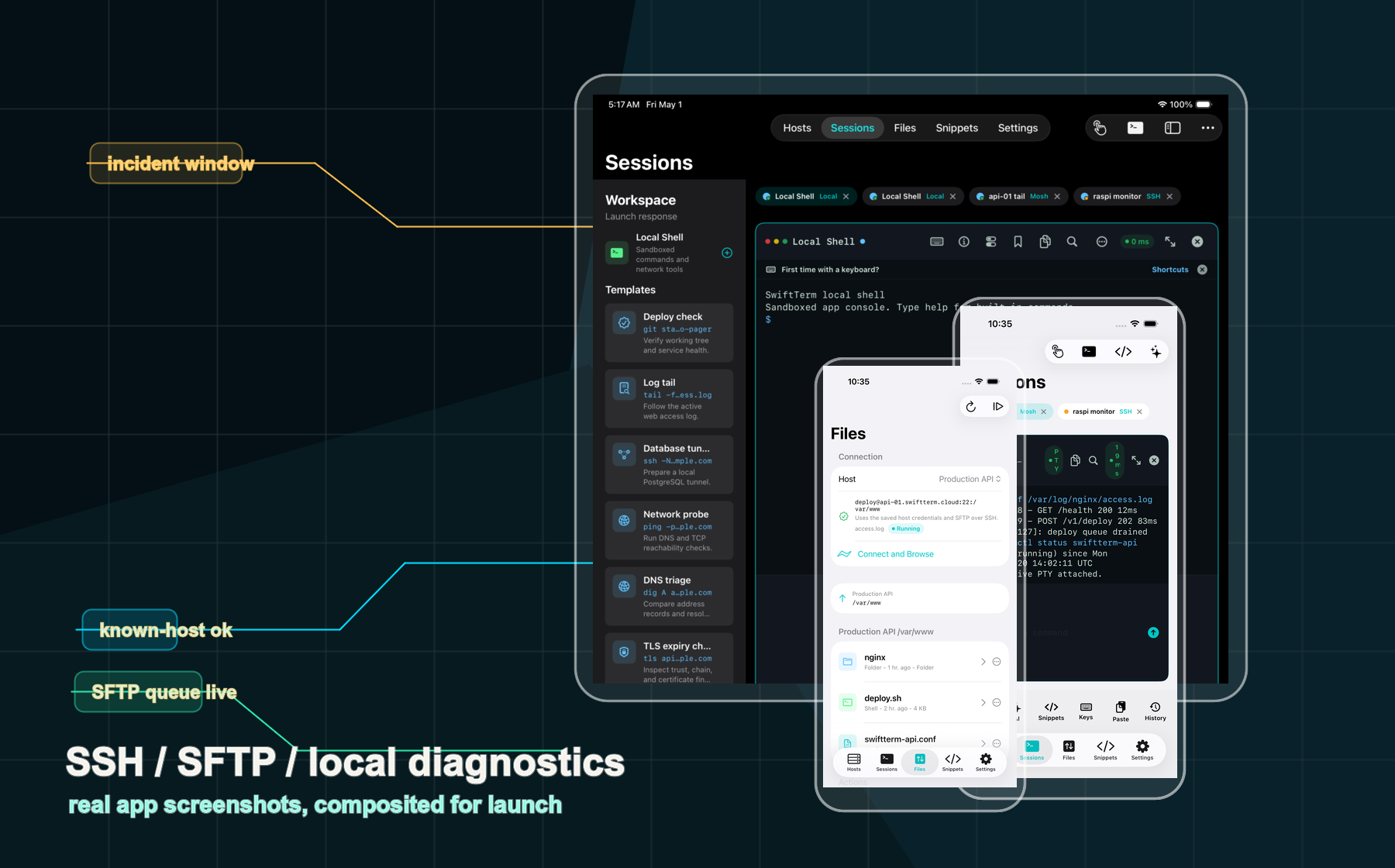
Real app captures
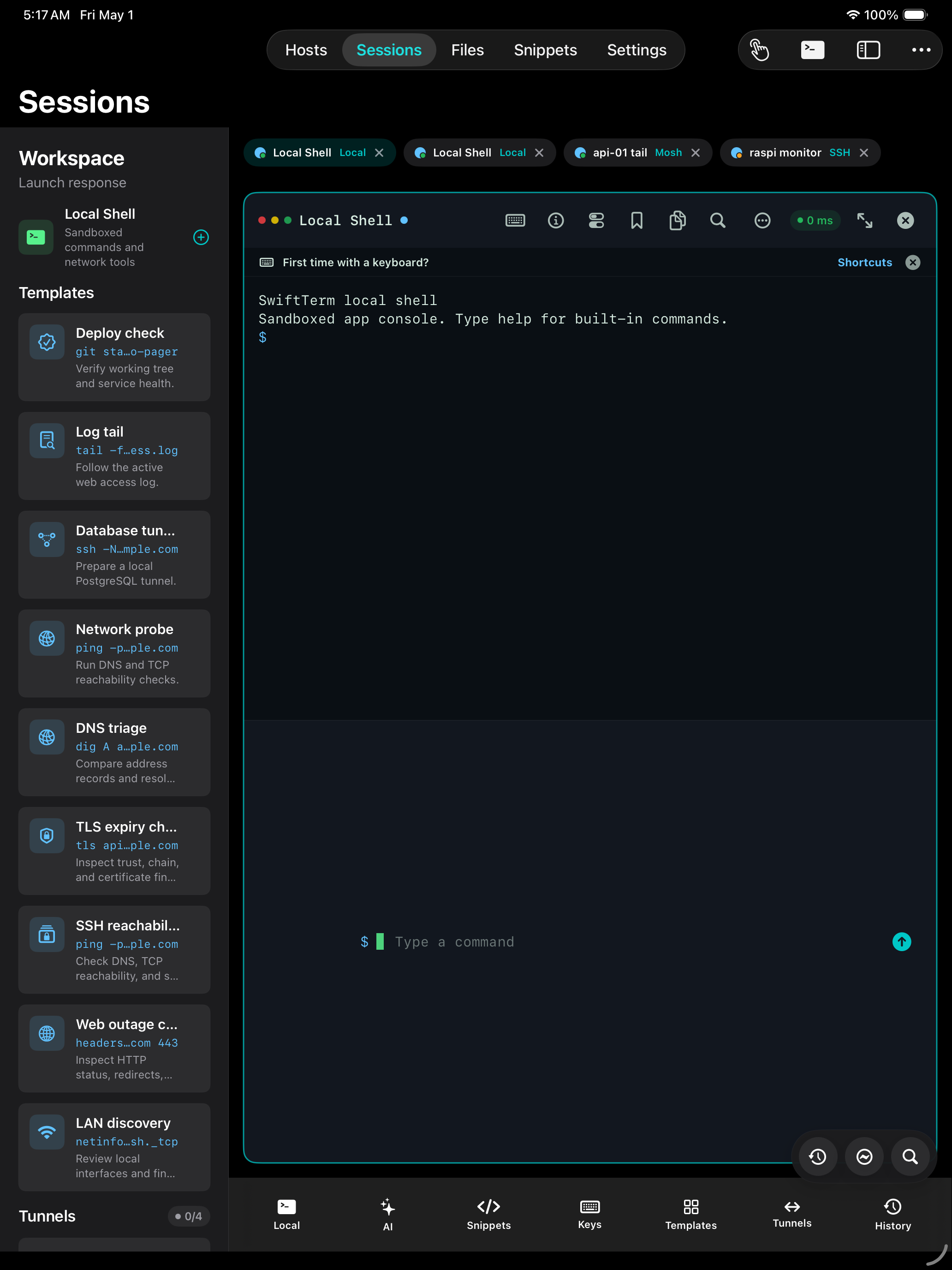
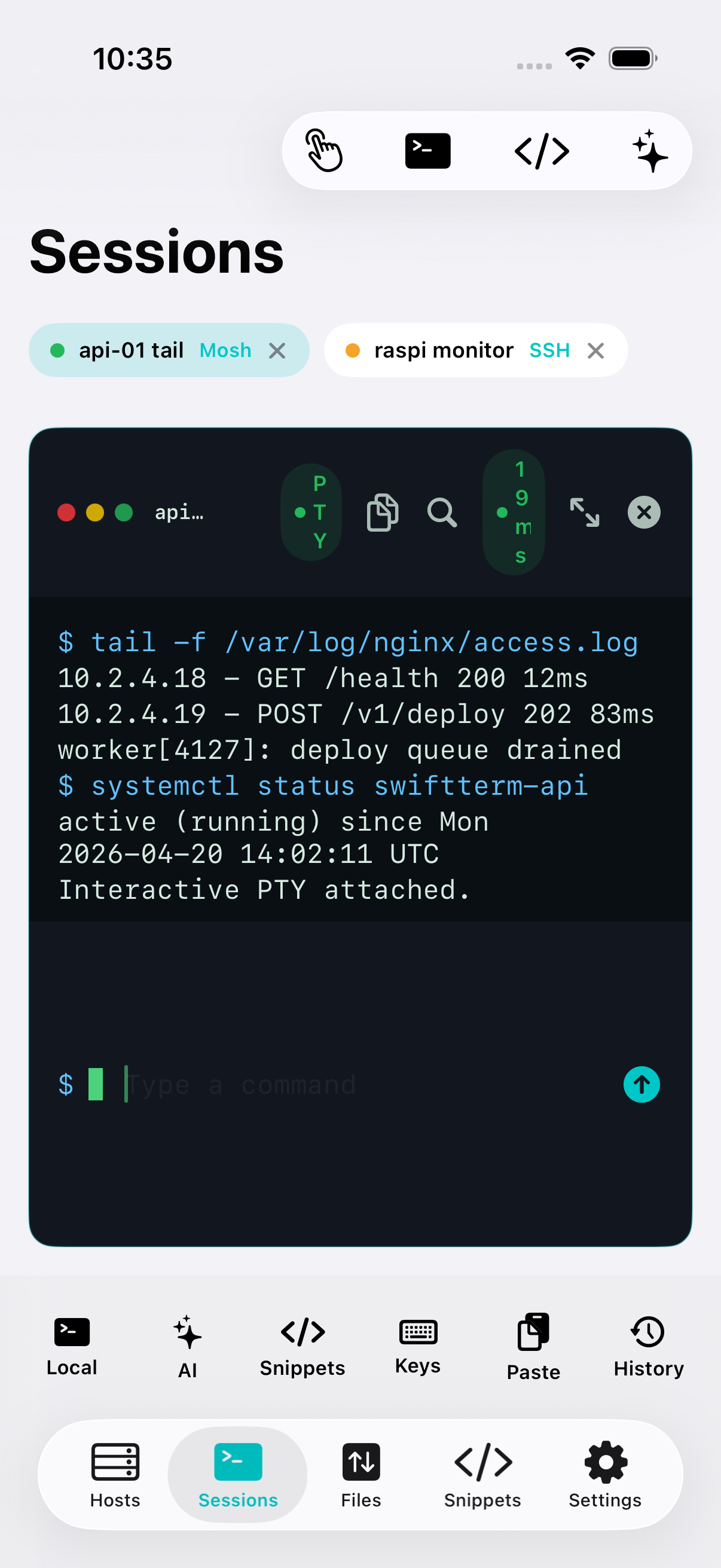
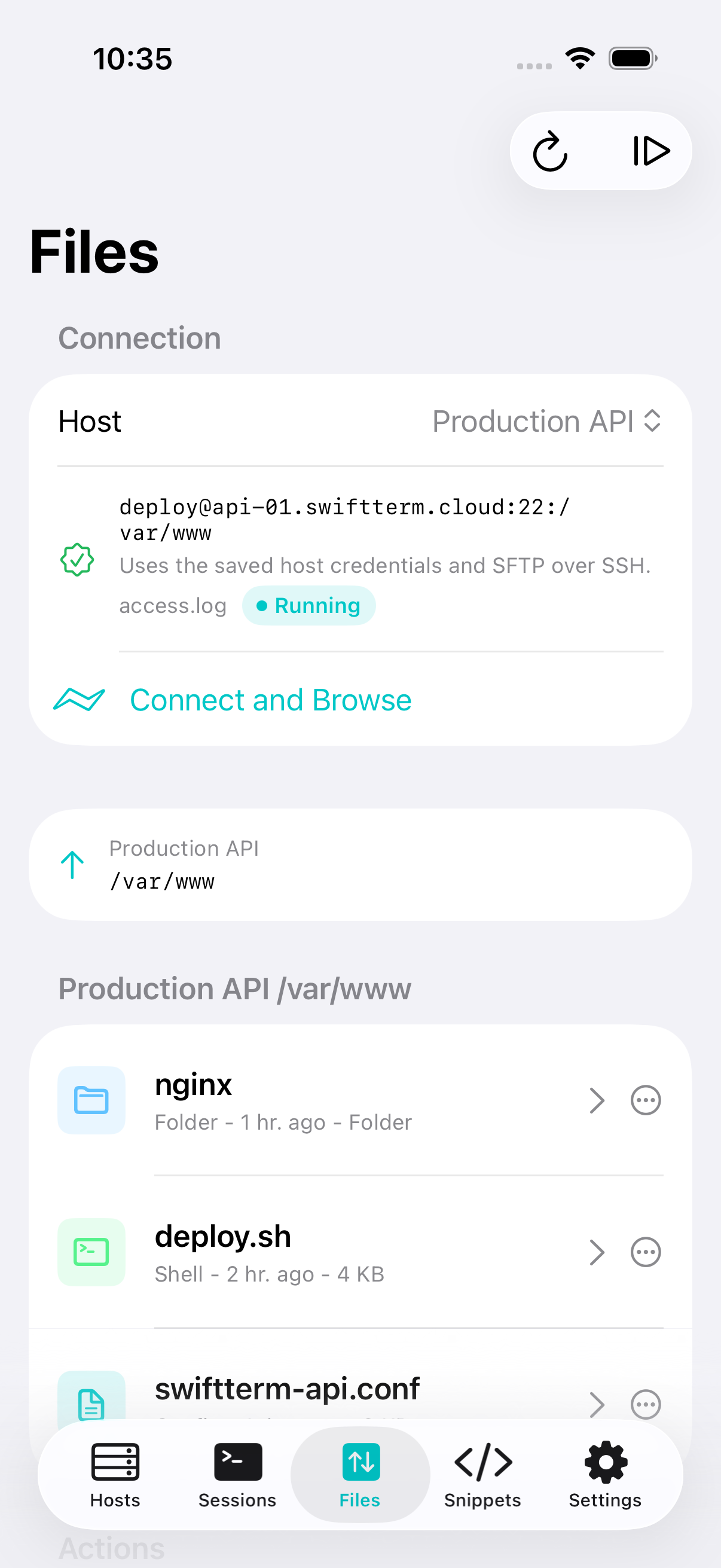
Current iPhone and iPad captures show the terminal workspace, SFTP browser, and iPad operator layout from the shipping SwiftUI app.
Field-ready workflows
Open a saved host, attach to an interactive shell, tail logs, and keep the session moving with a mobile keyboard that respects terminal work.
Jump into SFTP, pull a config, upload a patch, rename a remote file, or queue an iOS-safe sync plan without leaving the app.
Generate, import, assign, copy, and export SSH keys while keeping private key material protected through Keychain.
Current release scope
SwiftTerm focuses on practical remote access today: hosts, keys, terminal sessions, SFTP, snippets, local TCP/WHOIS/DNS tools, and App Store subscription readiness.
Mosh, CloudKit sync, collaboration, marketplace distribution, and production AI execution remain roadmap items and are not presented as shipped features.
Launch system
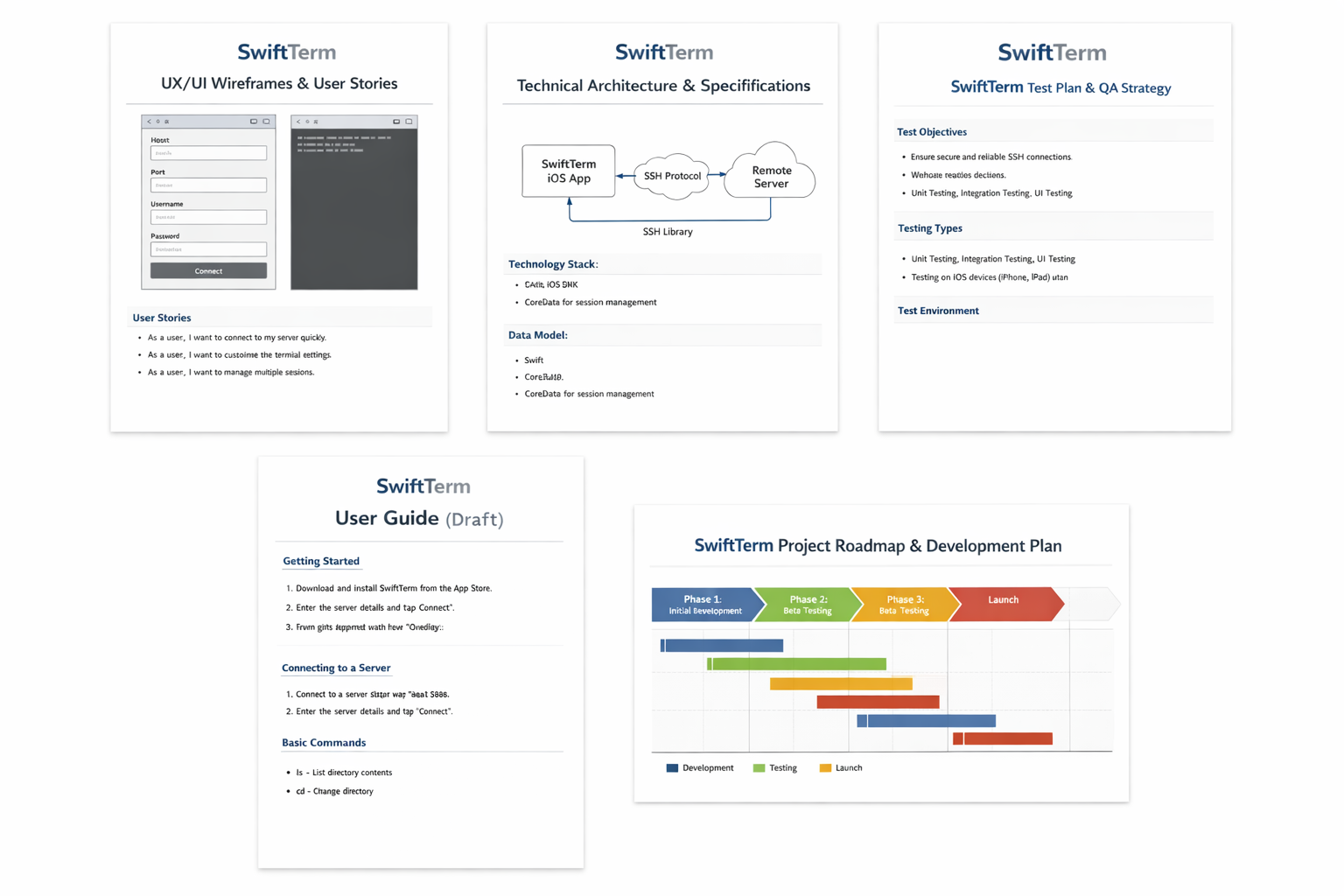
Authentication support, local shell limits, SFTP behavior, subscriptions, privacy, and roadmap items are explained in plain language.
Read FAQThe preview release is framed around terminal sessions, SFTP transfers, local network tools, Keychain keys, and review-ready privacy controls.
See what's newApproved screenshots, product facts, one-sheet copy, and press notes are packaged for launch handoff without exposing secrets.
Open press roomLaunch ready URLs
Email support@swiftterm.app for help or privacy@swiftterm.app for privacy questions.